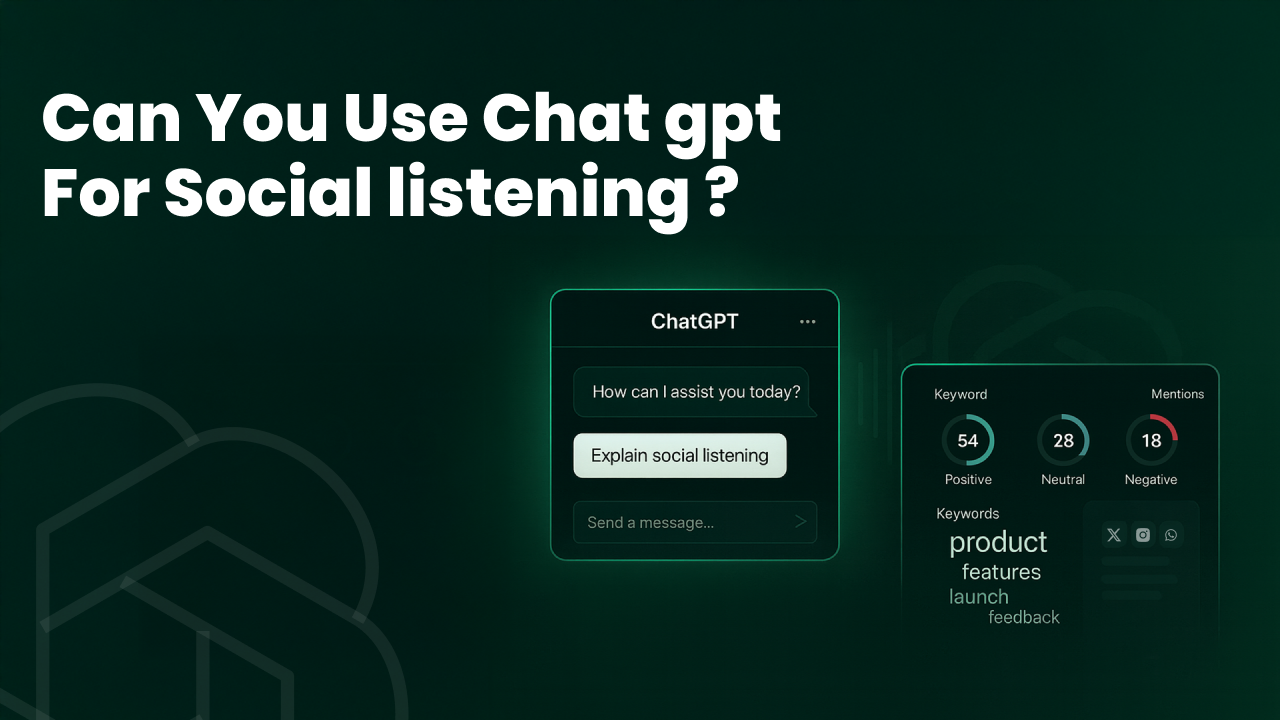
Social conversations move fast, and teams often struggle to interpret thousands of mentions, complaints, trends, and micro-signals at scale. That raises a natural question for every marketer and analyst right now: can ChatGPT play a practical role in making sense of all this noise, or do you still need a specialised social listening stack to do the heavy lifting?
The short answer is that ChatGPT can add sharp interpretation and synthesis, but only when paired with a platform built for real-time data collection, multilingual ingestion, and analytics.
TLDR
ChatGPT is great at interpreting conversations, summarizing large datasets, and generating ideas when you already have clean social data. It cannot replace the ingestion, real-time monitoring, multilingual coverage, or visual analysis that dedicated platforms provide. The best setup combines both. Use a platform like Konnect Insights for data collection and alerts, and let ChatGPT handle the deeper analysis and narrative outputs.
Where ChatGPT Adds Real Value
Getting high-quality social data is most of the battle. Brands need pipes that ingest posts from multiple networks, capture multilingual conversations, track images and videos, and filter noise. That part requires dedicated platforms built for collection and scale, tools like Konnect Insights, Sprinklr, or Sprout Social. Once those platforms supply clean, structured data, that’s when LLMs step in.
With good inputs, ChatGPT becomes a powerful layer for interpretation, reasoning, and creative exploration. Here’s where it delivers real value:
1. Summarization and narrative synthesis
When you’re staring at a week’s worth of mentions, reviews, Reddit threads, and tweets, ChatGPT can condense thousands of lines into clear themes, shifts, and timelines. It’s good at turning scattered chatter into a coherent story: what changed, why it matters, and what your team should do next.
2. Intent and nuanced sentiment detection
Social posts often mix sarcasm, frustration, praise, and humour in the same sentence. Traditional sentiment models can miss these cues. With the right prompting, ChatGPT can undertake sentiment analysis, distinguishing genuine appreciation from polite annoyance, or identifying when a seemingly neutral post carries churn risk.
3. Topic clustering and dynamic taxonomy creation
LLMs are well-suited for exploratory analysis. They can group conversations into meaningful clusters, features, pricing, delivery, bugs, competitors, and generate a taxonomy that matches your brand’s context. This works especially well when you need fast scoping before building dashboards or tagging rules in your listening platform.
4. Hypothesis generation and campaign ideation
Once patterns are spotted, ChatGPT can propose angles worth investigating. It can translate raw insights into ideas for content, messaging, or product improvements. Analysts often use it to pressure-test assumptions: “What is driving this spike?” or “How might Gen Z interpret this feature?”
5. Predictive suggestions and early indicators
While ChatGPT is not a predictive model by itself, it can guide predictive thinking. Given enough context, it can point out early warning signals, at-risk segments, or potential outcomes. This draws from the AI blog’s point about identifying signals before they become trends, for example, rising negative sentiment tied to a specific feature or geography.
Here is an example of how LLMs like ChatGPT may be used for Social Listening
Prompt: “Identify emerging risks in this dataset of 500 mentions about our new update.”
Output: “A small but growing cluster (4.8 percent) mentions battery drain after update 2.1. Sentiment is sharply negative. If the trend continues, expect a wider complaint wave within 48–72 hours.”
Where ChatGPT Is Weak and Needs Support
LLMs are powerful interpreters, but they’re not substitutes for the operational backbone of social listening. Here’s where ChatGPT falls short and why teams still need a specialised platform around it.
1. Data ingestion and access
ChatGPT can’t crawl the public web, authenticate with social APIs, or collect real-time conversations across networks. It can only work with what you manually give it. Social platforms enforce strict API limits, require permissions, and change formats frequently. You need an ingestion pipeline, tools like Konnect Insights, Sprinklr, or Sprout Social to pull in posts, comments, stories, reviews, and historical archives at scale.
2. Real-time monitoring and alerting
Social listening is time-sensitive. Spikes in complaints, viral posts, and brand crises demand instant alerts. ChatGPT has no event-driven architecture by itself. It won’t watch streams, detect anomalies, or ping your team unless wrapped in custom infrastructure. Production listening tools handle the streaming, alerts, thresholds, and routing; ChatGPT can help interpret the surge once the alert is triggered.
3. Multimodal and visual detection
A lot of modern conversations are visual: screenshots, memes, reels, product photos, competitor comparisons. LLMs need an image or video recognition pipeline to understand any of this. They don’t identify logos, scenes, brand elements, or sentiment in a visual unless another model processes the media first. Platforms with built-in visual AI fill this gap; ChatGPT can then analyse the extracted text and context.
4. Quantitative dashboards and metrics
ChatGPT is narrative-first. It doesn’t produce dashboards, charts, benchmarks, or KPI views by default. You still need an analytics layer for volumes, share of voice, sentiment trends, and channel-wise splits. LLMs sit on top of those dashboards to explain why a number moved, not to replace them.
5. Data governance, privacy, and compliance
Social data often contains personal details, screenshots, emails, and identifiers. Before any of it reaches an LLM, you need redaction, access controls, retention rules, and audit logs. Those workflows live in production systems, not in ChatGPT prompts. Teams should pass only the minimum required data to an LLM, safely processed, anonymized, and compliant.
Practical Playbooks for ChatGPT-Enhanced Social Listening
The most effective approach isn’t “ChatGPT vs a listening platform.” It’s a combined pipeline where the platform handles ingestion, cleaning, alerts, and storage, and ChatGPT handles reasoning, pattern recognition, and narrative output. Below are three workflows teams can implement without changing their existing stack.

1. Weekly Insights Workflow (Batch Analysis)
This is the setup most teams start with. You pull the week’s conversations from your listening platform, and ChatGPT helps you turn that raw data into something people can actually use.
Inputs
You begin with a clean export from your listening tool like Konnect Insights. This usually comes as a CSV or JSON file that already has basic tagging such as language, sentiment, and timestamps. Think of this as the “ready for interpretation” stage.
How everything flows
Your listening platform collects the mentions from every channel. It handles the heavy lifting, like removing duplicates and filtering spam. Once the dataset is ready, you simply drop it into ChatGPT. The model then picks apart the patterns, themes, odd spikes, and emerging conversations in a way that feels almost like having an analyst sitting beside you.
ChatGPT’s role
This is where the model shines. It can look at a large set of posts and start connecting dots. It can spot recurring problems, pick up on shifts in tone, and explain why something suddenly got attention. It can also propose next steps that your team can put into practice immediately. If you want variations of social replies or ideas for the next content cycle, it can generate those as well.
Outputs
You end up with a weekly report that is actually useful.
• A short executive summary that leaders can skim in a minute
• A simple “what changed this week” explanation
• A few clear recommendations your team can act on
• Draft social replies or content hooks that save time for your social and CX teams
ChatGPT basically turns raw conversation logs into something that drives decisions rather than just taking up storage.
Where does this help in the real world
This workflow is perfect for campaign reviews, ongoing customer feedback monitoring, competitor tracking, or just keeping leadership informed without drowning them in dashboards.
Example prompt
“Analyze these mentions from this week. Give me the strongest themes, any shifts in sentiment, one surprising insight, and three actions my team should take. Keep the summary brief.”
2. Real-Time Triage Workflow (Crisis or High-Priority Situations)
This is the workflow teams rely on when something starts blowing up online. A spike in complaints. A sudden drop in sentiment. A creator calling out the brand. In these moments, speed matters more than anything else.
Inputs
Your listening platform detects a sudden shift in volume or sentiment and immediately triggers an alert. This could be based on keywords, unexpected spikes in negative posts, or rapid-fire comments on a particular feature or update. For such instances, it is very important to rely on a platform like Konnect Insights to trigger crisis alerts.
How everything flows
The platform pushes an alert straight to Slack, Teams, or wherever your team works. Once that alert lands, you can feed the first wave of posts to ChatGPT. Instead of manually reading through every message yourself, the model helps you understand what is actually happening.
ChatGPT’s role
The model acts like a fast-thinking assistant who helps you get clarity within seconds. It can tell you whether the issue is minor or something you need to escalate. It can identify the root cause from the early comments. It can also draft a first-response message that your social or CX team can use while things are still fresh.
If the situation calls for an escalation path, ChatGPT can outline that too. For example, whether the issue needs attention from support, product, or the PR team.
Outputs
You get a clear, formatted message you can drop straight into Slack or Teams.
• A quick explanation of what is happening
• Why this matters
• What your team should do right now
• Draft copy for the first social reply
This takes a lot of pressure off the team during tense moments because the first ten minutes of a crisis rarely allow for slow reading, long meetings, or back-and-forth approvals.
Where this helps in the real world
Use this when a product outage hits, when a tweet starts going viral, when a partner or influencer makes a negative comment, or when press coverage triggers a wave of conversations. It is also useful during launches where sentiment can swing quickly.
Example prompt
Classify the severity of these early posts. Identify the likely cause. Write a first-response social message and list the three most important actions my team should take within the next thirty minutes.
3. Augmented Analyst Workflow (Exploration and Deep-Dive Work)
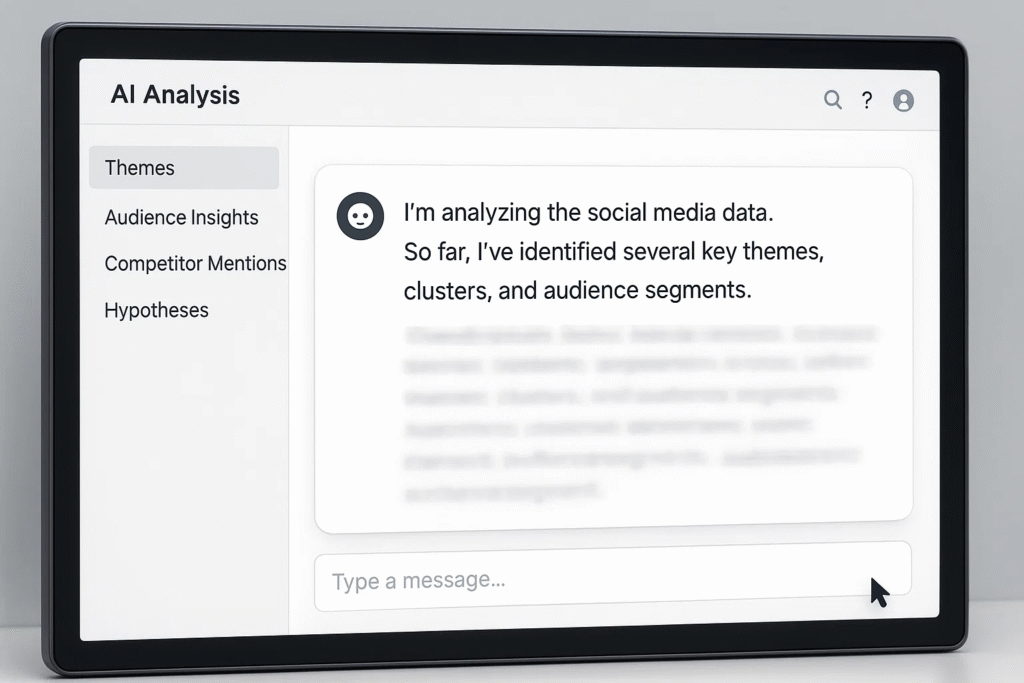
This workflow is for analysts who want to go beyond routine reporting and dig into patterns, audiences, competitors, and long-term opportunities. It is where ChatGPT becomes more of a thinking partner than a summarizer.
Inputs
You pull a filtered dataset from your listening platform using its API. This could be comments about a new feature, competitor mentions, feedback from a specific market, or posts tied to a recent campaign. Analysts usually load this into a notebook or workspace where they can experiment freely.
How everything flows
The listening platform gives you a clean dataset to play with. Once it is in your notebook, you can slice it, check assumptions, and explore different angles. Instead of spending hours trying to find relationships manually, you can hand sections of the dataset to ChatGPT and ask it targeted questions.
ChatGPT’s role
This is where the model opens up the analysis. It can help you explore topics, cluster themes, and find patterns that might not be obvious at first glance. You can ask it to identify niche audiences that are driving certain comments or to compare your brand narrative against a competitor’s.
It also helps you think ahead. You can ask for hypotheses to test, ideas for messaging, or ways to strengthen a campaign. If you need content variants for an A B test, the model can generate clean options that match the tone you want.
Outputs
You walk away with:
• Clear bullets for research decks
• New angles or hypotheses you can validate with data
• Messaging ideas that are test ready
• Early signs of risks or opportunities
This workflow helps analysts move faster without losing depth. It removes the busywork and lets you focus on actual interpretation and strategy.
Where does this help in the real world
Analysts use this for competitive mapping, persona discovery, market research, campaign planning, voice of customer exploration, or when they want to understand why a conversation is shifting in a certain direction.
Example prompt
Group these mentions into five or six themes. Tell me which themes matter most to Gen Z versus Millennial users. Then give me three message variations that could help us counter the competitor narrative.
ChatGPT vs Social Listening Platforms: What Each One Actually Does
ChatGPT is great at interpreting conversations and turning them into insights, but it cannot collect data or monitor channels on its own. That part is handled by platforms like Konnect Insights, which gather mentions, tag them consistently, track sentiment, and trigger alerts when something shifts. Once the data foundation is solid, ChatGPT becomes far more effective.
Now let’s look at their differences.
| Capability | ChatGPT (LLM) | Konnect Insights (Social Listening Platform) |
| Data ingestion via APIs | Cannot pull data from networks. Works only with what you provide. | Connects to multiple social channels and review sites. Handles API limits, permissions, and version changes. |
| Multilingual crawling | Needs translated or pre-processed text. | Crawls and collects multilingual posts directly from source channels. |
| Real-time alerting | No streaming or alert triggers. | Monitors volumes and sentiment changes and sends real-time alerts. |
| Dashboards and KPIs | Produces narrative insights, not charts. | Provides dashboards for sentiment, volume, share of voice, and channel splits. |
| Storage and compliance | No data storage or governance features. | Stores historical data, applies access controls, and supports privacy and compliance needs. |
| Sentiment baseline | Can refine sentiment with prompts. | Applies standardized sentiment models across large datasets. |
| Topic clustering | Strong at exploratory clustering. | Offers clustering engines you can apply at scale across channels. |
| Auto-responses | Can generate tailored replies. | Sends replies through connected channels with team workflows if needed. |
| Integrations | Limited to API wrappers or manual workflows. | Connects with Slack, Teams, CRM systems, and ticketing tools. |
How both tools work together
ChatGPT brings strong interpretation, pattern recognition, and content generation. It helps teams turn raw conversation logs into clear insights, explanations, and next steps. Platforms like Konnect Insights handle the heavy operational work. They gather data, store it safely, detect spikes, and present structured dashboards that teams can trust.
The best results come from using both together. Konnect Insights supplies complete and reliable data. ChatGPT adds depth, clarity, and creativity on top of that foundation.
Prompt Techniques That Work Well for Social Listening
We ran a series of tests on different types of social data to see which prompts delivered the clearest and most useful insights. This included exporting a seven-day JSON file of mentions from Konnect Insights and trying out summary, classification, and comparison prompts. The patterns below consistently produced strong results and are easy to reuse in weekly workflows.
1. Summarize themes within a time range
Useful when you want the story of the week without reading every post.
Summarize the main themes from these mentions from the past seven days. Highlight sentiment shifts and any unexpected spikes.
2. Classify intent and severity
Helps teams understand whether posts are complaints, questions, praise, or high-risk issues.
Label each post with intent and severity. Use categories like complaint, suggestion, praise, question, low risk, medium risk, and high risk.
3. Create three ready-to-use response templates
Saves time for social and CX teams.
Based on these comments, create three short social replies that address the issue in different tones.
4. Extract strong quotes for testimonials or internal decks
Pulls out user phrasing that can be reused internally.
From these mentions, extract five quotes that represent the strongest positive sentiment.
5. Compare two campaigns or two product moments
Makes analysis faster during launches or seasonal pushes.
Compare these mentions for Campaign A and Campaign B. Tell me which one had stronger sentiment and why.
6. Ask follow-up questions to refine insights
Lets you go deeper without rewriting prompts.
Ask me three follow-up questions that would help you give a more accurate analysis.
These prompts have proven to provide very accurate and useful results. Such integrated use of LLMs like ChatGPT can greatly improve your understand of your audience as well as take your social listening process to the next level.
Data Quality, Governance, and Safety
Social data often contains personal details, screenshots, email fragments, or identifiers. When this kind of information enters an LLM without safeguards, the risk of a data leak increases. Even if the model is used responsibly, sending sensitive or unnecessary data into a prompt can expose teams to privacy issues, compliance gaps, or internal policy violations.
A simple operational checklist fixes most of these risks.
1. Anonymize before sending anything to an LLM
Remove names, emails, phone numbers, and ticket IDs. Only share what the model needs to understand the context.
2. Control the size and frequency of prompts
Rate-limit your API calls so large datasets are broken into manageable chunks. This prevents accidental oversharing and keeps analysis stable.
3. Always involve a human for high-risk or customer-facing decisions
LLMs can misinterpret tone or generate biased outputs. A human reviewer should approve anything that affects customers, PR, legal matters, or crisis situations.
4. Keep track of all inputs and outputs
Store prompt logs, timestamps, and response history. This helps teams understand how an insight was generated and ensures transparency.
5. Follow platform’s terms of use and internal privacy policies
Make sure your usage complies with legal requirements and your organisation’s data handling rules.
Strong governance makes LLM-assisted social listening safe, reliable, and easy to scale.
How to Avoid Data Risks
The biggest risk in AI-assisted social listening is accidental exposure.
Raw social data often contains personal details, screenshots, emails, internal ticket numbers, and product feedback that were never meant to leave your ecosystem.
If this information is pushed into external models or open workflows, it can create serious problems for the company. A breach can lead to regulatory issues, customer trust loss, and even sensitive product development conversations becoming public.
This is where Konnect AI+ becomes important. Instead of exporting data or moving between tools, Konnect AI+ brings the power of advanced AI directly into your social listening and CX platform. Everything happens inside a closed-loop environment with strong access controls and SOC2, ISO and GDPR-grade security. No data is sent outside your system. No switching tabs. No copy-pasting datasets into external AI models.
Konnect AI+ handles the same tasks people use ChatGPT for, but it does them securely and natively.
It can summarize conversations, identify themes, generate replies, analyze sentiment shifts, and surface insights right where your data already lives. Since all of this happens in one place, you reduce the risk of leakage and remove the need for ad-hoc prompt workflows.
This approach keeps your teams fast, accurate, and compliant. It also ensures your data never leaves the environment that was designed to protect it.
ROI and Measurement: What Success Looks Like
Once AI becomes part of your social listening workflow, the real question is simple: is it helping the team move faster, respond smarter, and create better outcomes? The most reliable way to answer that is by combining traditional platform metrics with the new signals that LLMs generate.
1. Operational Performance
Track how AI improves the speed and consistency of your day-to-day workflow.
- Time to respond
Measure how quickly your team replies to priority mentions after introducing AI support. Faster responses usually correlate with better customer satisfaction. - Accuracy of triage recommendations
Check how often the model’s initial severity assessment matches the final decision taken by your team. Higher alignment indicates strong AI-assisted judgment. - Hours saved on weekly reports
Compare analyst effort before and after using AI summaries. Even a small reduction compounds across weekly cycles. - First-assessment match rate
See how often the AI’s first reading of sentiment or intent aligns with actual outcomes. This improves operational trust in the system.
2. Quality of Insights
Evaluate whether the AI produces ideas that actually change decisions and outcomes.
- Actionable insights generated
Track how many insights per week lead to measurable improvements in messaging, product updates, or CX actions. - Execution rate of insights
Look at how many of those insights turn into content pieces, experiments, or workflow changes. This shows real value creation. - A/B performance of AI-generated messaging
Test AI-created replies or campaign lines against your existing variants. Measure uplift in engagement, clickthroughs, or conversions. - Impact on friction reduction
Check whether AI-informed messaging helps reduce complaints or improve user clarity across channels.
Check out Essential CX Metrics you should look out for your brand
3. Platform-Level Outcomes
Connect AI-driven improvements to the metrics inside your social listening platform.
- Faster sentiment recovery
If sentiment rebounds more quickly after an issue, AI analysis likely helped your team respond with the right tone at the right time. - Shorter and smaller complaint spikes
When triage and insights improve, volumes peak lower and resolve sooner. - Mid-flight campaign optimisation
AI can help refine messaging while a campaign is live, improving engagement or CTR before the final results come in.
These outcomes are visible directly inside your Konnect Insights dashboards and make the long-term value easy to prove. A healthy ROI story blends both sides. Better operations from the platform. Sharper thinking from the LLM.
Quick Start Checklist: Your 7-Day AI Listening Playbook
You can get a basic AI-powered social listening workflow running in a week if you keep things focused and practical. Use this checklist to guide the setup.
- Day 1: Choose your platform – Set up Konnect Insights or confirm your existing instance is ready for data collection across all required channels.
- Day 2: Define one clear use case – Pick something small and specific, such as weekly summaries, crisis triage, or competitor analysis.
- Day 3: Wire your ingestion – Make sure the platform is pulling mentions from every source you care about. Add filters, tags, and alerts.
- Day 4: Export one dataset – Take a clean five to seven-day JSON or CSV export. This will be your test set.
- Day 5: Run three core prompts – Try a summary prompt, a classification prompt, and a comparison prompt. Note which outputs feel most useful.
- Day 6: Human review – Have an analyst check the insights for accuracy. Adjust prompts based on what worked.
- Day 7: Iterate and scale – Turn your best prompts into repeatable templates and build them into your weekly workflow.
This simple rhythm helps teams adopt AI without overcomplicating the process.
Conclusion
The most effective approach to AI in social listening is a hybrid one. Let your platform handle collection, alerts, multilingual coverage, and data quality, and use ChatGPT for deeper analysis, summaries, and creative problem-solving. When both work together, teams move faster and make better decisions.
For teams that want production-ready ingestion, scheduled reports, and alerts that connect smoothly with their ChatGPT workflows, Konnect Insights keeps everything in one place.
Book a demo with Konnect Insights.
FAQs
1. Can I use ChatGPT for real-time social listening?
Yes. ChatGPT can help interpret real-time conversations, but it cannot collect or monitor them on its own. You need a listening platform to stream the data, then you can use ChatGPT to understand what the spike means.
2. What are the best use cases for ChatGPT in social listening?
ChatGPT works best as an analysis assistant. It is ideal for summaries, theme discovery, sentiment explanations, triage support, and generating response ideas. It should not replace a dedicated listening platform.
3. How do I integrate ChatGPT into an existing social listening workflow?
Export a dataset from your platform, run your prompts in batches, and use the outputs to support reporting, CX responses, and campaign decisions. For real-time use, connect alerts from your platform to ChatGPT through Slack or Teams.
4. How can I reduce errors and hallucinations when using ChatGPT on social data?
Share only anonymized data, chunk large inputs, always ask the model to cite patterns from the text, and have a human review insights that affect customers or PR decisions.5. Can ChatGPT analyze non-text media like images or videos, and multiple languages?
Not independently. You need specialized tools or an AI platform with built-in multimodal and multilingual processing. These systems extract the text and context first, which you can then feed into ChatGPT for analysis.